MMM-MD
Table of contents
tl;dr
Write MD. Render it on the MagicMirror!
This module enables you to write whatever you want directly rendering it on your MagicMirror screen!
What you need
You just need:
- Basic knowledge of Markdown: https://guides.github.com/features/mastering-markdown/
- Creativity
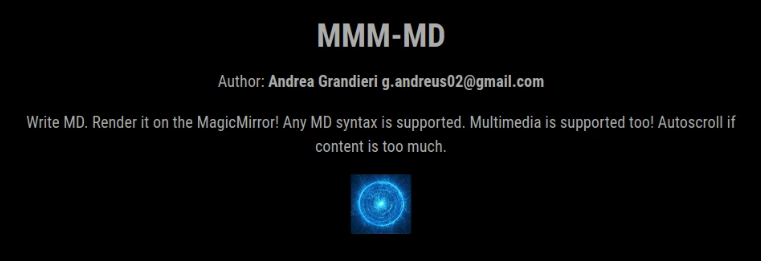
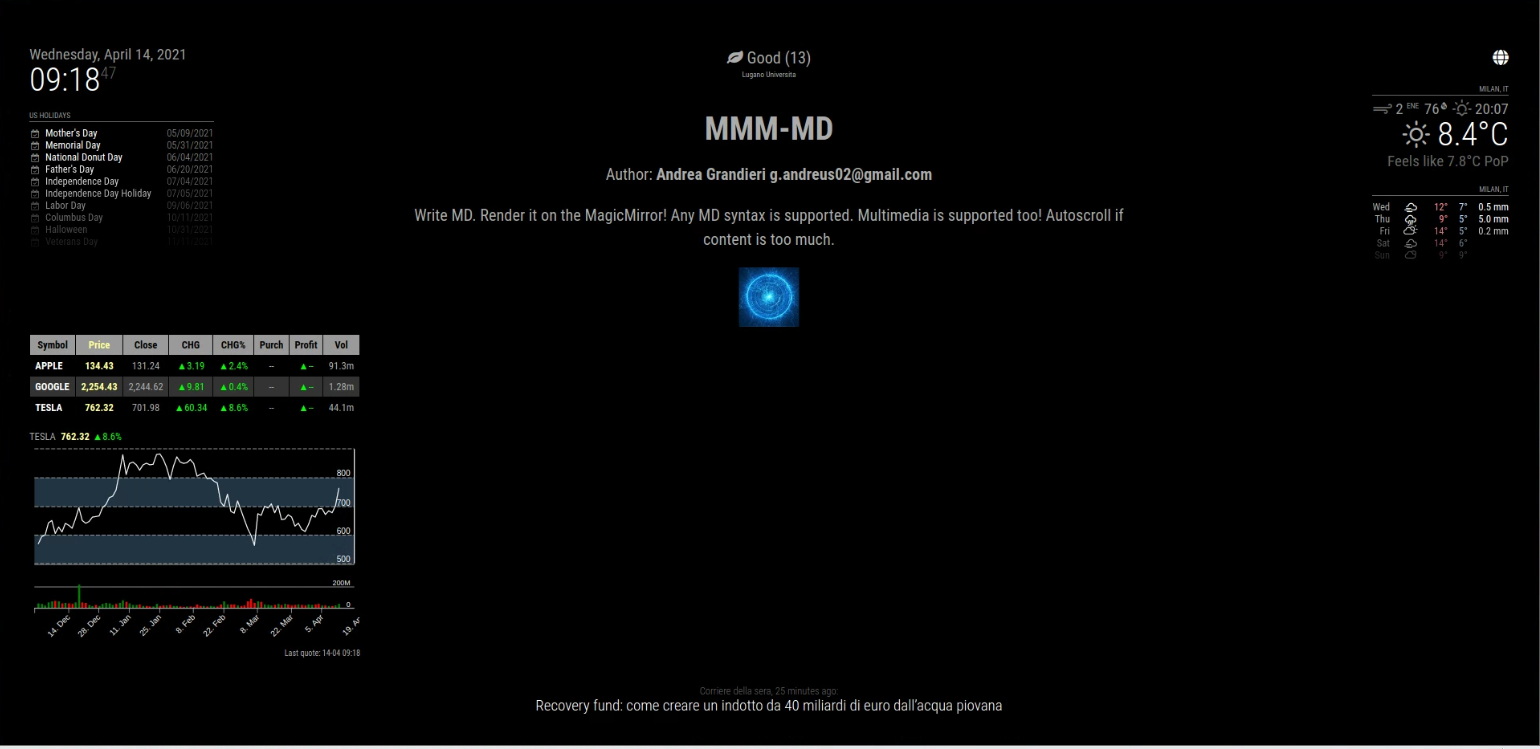
Any MD syntax is supported. Multimedia is supported too! Autoscroll if content is too much.
Usage
- Locate:
~/MagicMirror/modules -
Clone:
git clone https://www.github.com/AndreaGrandieri/MMM-MD -
Add fragment to
~/MagicMirror/config/config.js{ module: "MMM-MD", position: "center", config: { // Alternative configuration properties are optional } } -
Build:
 cd ~/MagicMirror/modules/MMM-MD
 npm install
or
 cd ~/MagicMirror

 # "npm-recursive-install" needs to be installed separately
 npm-recursive-install
Properties (Config Section)
| Property | Type | Values | Default Value | Mandatory | Description |
|---|---|---|---|---|---|
interval | Integer | Any value >= 45 (ms) | 50 (ms) | OPTIONAL | Autoscroll velocity. |
staller | Integer | Any value >= 0 (ms) | 100 (ms) | OPTIONAL | Time before restarting from TOP after reaching autoscroll BOTTOM limit. |
width | String | Any CSS valid string value | "calc(100 % - 25 %)" | OPTIONAL | Module width. |
height | String | Any CSS valid string value | "500px" | OPTIONAL | Module height. |
docname | String | Path to a valid document. The document has to be placed into: ./modules/MMM-MD/public/ | "content.md" | OPTIONAL | MD document to parse markdown from. |
Notifications
Notifications are a piece of software used by modules to communicate with:
- MagicMirror OS
- Other modules
- Human actors
None.
Screenshots
Module interface (1):
Module interface (2):
Documents path
All MD documents and assets (multimedia) has to be placed into ./modules/MMM-MD/public/ to be used by the module. Only one document at time can be active and rendered.
To point an asset from the MD document, you will need to follow this path pattern:
